 Herunterladen
A next-generation MMORPG set in a brand new world
IT'S A KILLER EXPERIENCE!
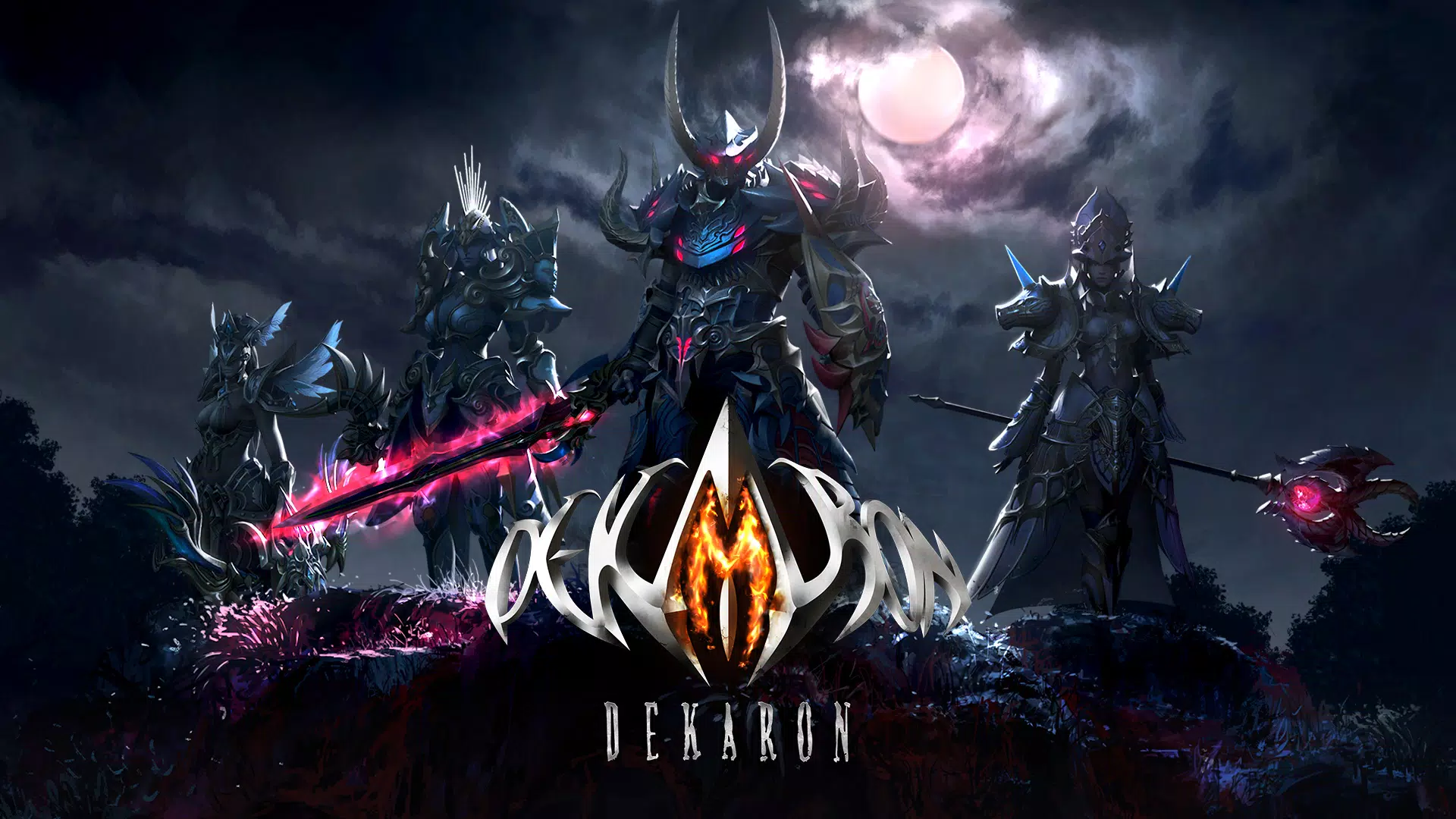
Experience a captivating dark fantasy with Dekaron M
Game Overview
◆ Original Legacy: The Successor ◆
This game is the true successor to the original PC MMORPG, ‘Dekaron’.
It faithfully carries forward the original feel with features like Trans Up, iconic items, and classic monsters.
‘Azur Night’, ‘Lizardman’, ‘High Half Snowfield’… Relive the nostalgia!
◆ Brutal & Bloody: The Conflict ◆
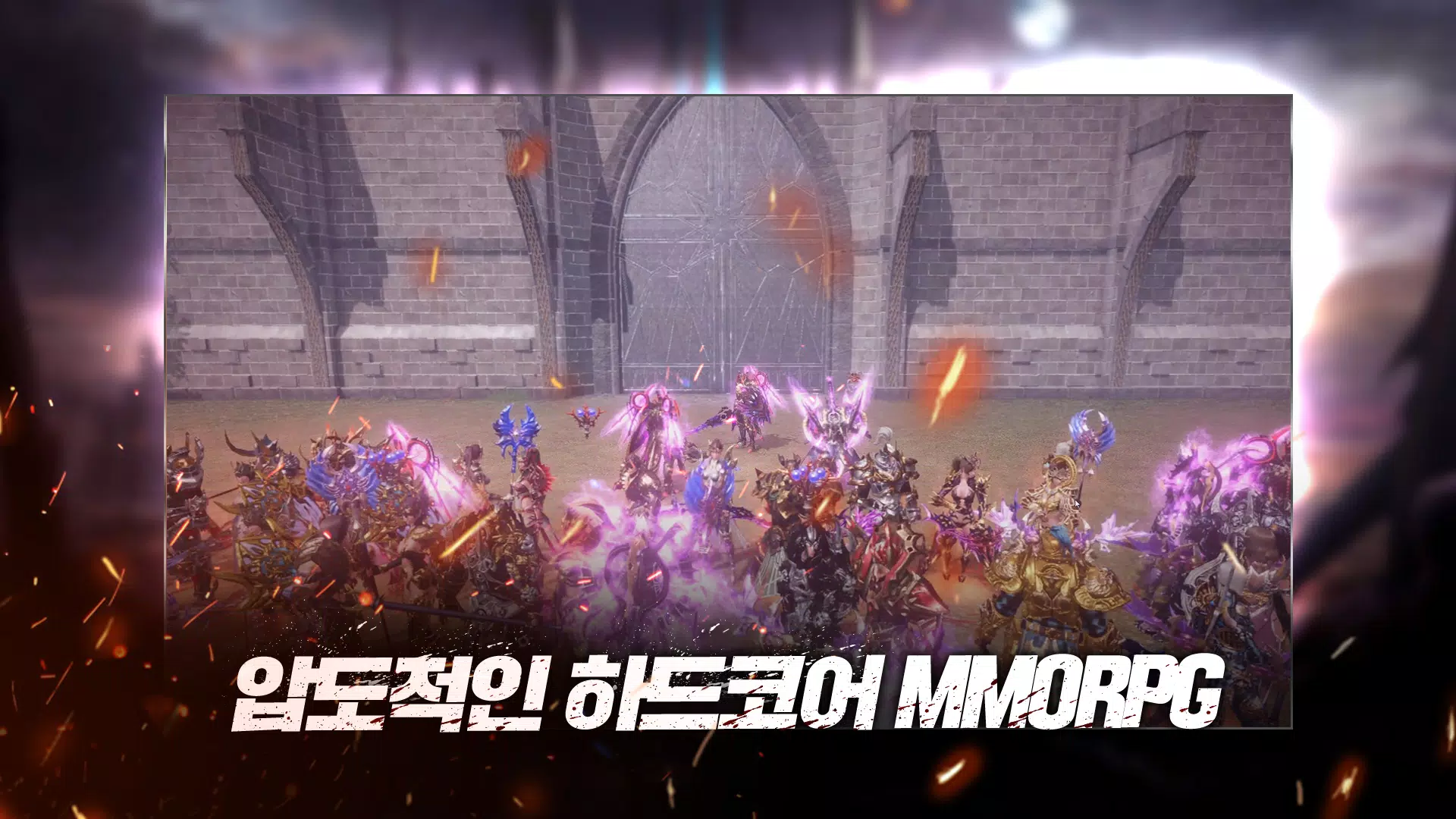
A hardcore, mature RPG featuring intense and bloody combat.
Join your guild to vanquish absolute evil in ‘Field Boss’ battles.
Face the daily challenge of the ‘Special Dungeon’ you can't avoid.
◆ Thrilling & Dynamic: The Action ◆
Execute stylish moves with intuitive, responsive controls.
Unique combat actions that vary based on your equipment setup.
A desperate fight for victory that taps into your primal instincts.
◆ Limitless & Open: The Freedom ◆
‘Trans Up’, a flexible job change system with no restrictions.
‘Exchange’, a player-driven market economy with no interference.
‘Field PK’, a tense PvP system where danger is always around the corner.
Stay up-to-date with the latest Dekaron M news!
· Official Page: https://dekaronm.thumbage.co.kr
· Official Community: https://cafe.naver.com/dekaronm
· Facebook: https://www.facebook.com/DEKARONM
· YouTube: https://www.youtube.com/c/DekaronM
- Customer Support: [email protected]
[Required Permissions]
1. Storage access (photos, media, files on your device)
- This permission is necessary to save essential game files on your device.
- Required to read/write to the SD card for downloading game resources.
- Storage access includes permission to use the device storage. This permission is required to read/write game data; the game cannot function properly without it.
* After granting permissions, you can manage or revoke them as follows.
* Minimum System Requirement: 4GB RAM
[For Android 6.0 and above]
1. Revoke by permission type: Device Settings > Apps > More (or Settings/Control) > App Permissions > Select the permission > Choose to allow or deny
2. Revoke by app: Device Settings > Apps > Select Dekaron M > Permissions > Choose to allow or deny specific permissions
[For Android versions below 6.0]
Due to OS limitations, individual permissions cannot be revoked. Permissions can only be revoked by uninstalling the app.
We recommend updating your Android operating system.
What's New in the Latest Version 1.1.373
Last updated on Oct 24, 2024
1. Bug fixes.









![A Father’s Sins – Going to Hell [Ch. 7 Public] By Pixieblink](https://img.laxz.net/uploads/67/1719578270667eae9eb6a75.jpg)