 Download
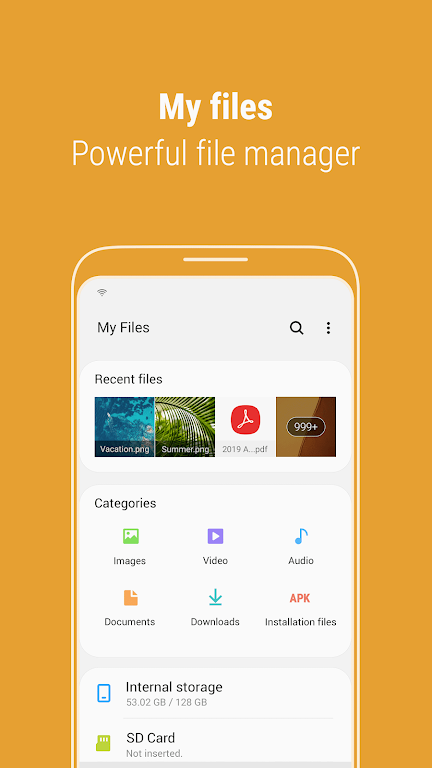
Introducing Samsung My Files, the ultimate file management app designed to revolutionize how you handle your smartphone's files. Just like a file explorer on your computer, this app allows you to seamlessly browse and organize all the files on your device. But Samsung My Files goes beyond that, enabling you to manage files on SD cards, USB drives, and even those stored in cloud storage linked to your smartphone. With just a few taps, you can free up valuable storage space and hide unused storage areas. You'll appreciate our user-friendly features, such as the Recent Files list, Categories list, and the ability to create folder and file shortcuts. Experience the convenience of Samsung My Files now and take control of your files like never before.
Features of Samsung My Files:
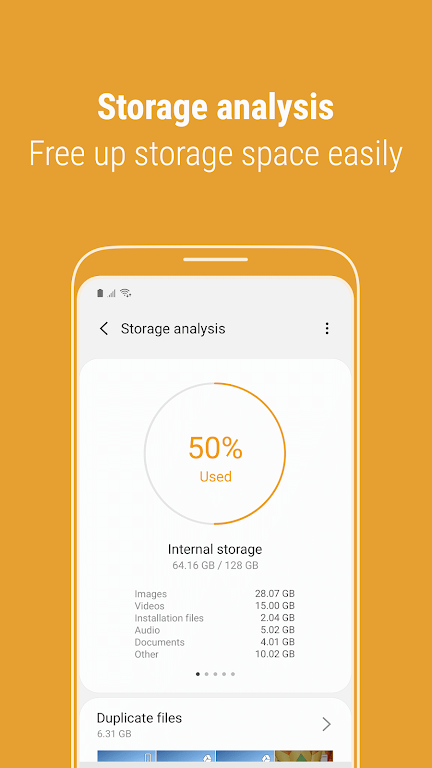
Storage Analysis: Easily free up storage space with just a tap using the "Storage Analysis" button on the main screen, helping you to keep your device running smoothly.
Customizable Home Screen: Personalize your My Files experience by hiding any unused storage space from the main screen through the home edit feature, making your interface cleaner and more efficient.
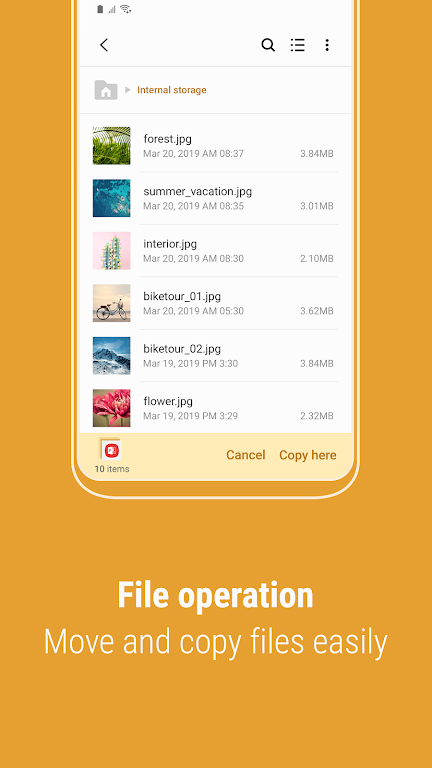
Improved File Viewing: No more guessing what a file is called; use the "Listview" button to view long file names without those pesky ellipses, ensuring you can easily identify your files.
File Management: Effortlessly browse and manage files stored on your smartphone, SD card, or USB drive. Create folders, move, copy, share, compress, decompress files, and view detailed file information, all at your fingertips.
User-Friendly Features: Quickly find files you've recently downloaded, run, or opened with the Recent Files list. Organize your files by type, including documents, images, audio, video, and installation files (.APK). Use folder and file shortcuts for instant access from your device's home screen and the My Files main screen, streamlining your file access.
Storage Space Function: The app includes a dedicated function to analyze and free up storage space, ensuring you always have enough room for your important files without the hassle.
Conclusion:
Discover the convenience of managing all your files in one place with Samsung My Files. With innovative features like storage analysis, customizable home screens, and enhanced file viewing, organizing and accessing your files has never been more straightforward. Leverage the user-friendly features, such as the Recent Files list and file categorization, to effortlessly locate your files. Download Samsung My Files now and experience seamless file management, including the ability to analyze and free up storage space, ensuring you never run out of room for your important files.