 Download
PP Park! - Parking Search App Troubleshooting
For Android 11 Users Experencing Startup Issues
June 15, 2021 Update
Some Android 11 devices may experience immediate crashes upon launch. Performing "Clear Storage" typically resolves this issue. Please note this will erase your parking lot posting history permanently.
Clear Storage Instructions:
- Open Device Settings
- Select "Apps & Notifications"
- Choose "PP Park!" from app list
- Tap "Storage & Cache"
- Select "Clear Storage"
This known Android 11 bug is being addressed by Google and device manufacturers worldwide.
About PP Park!
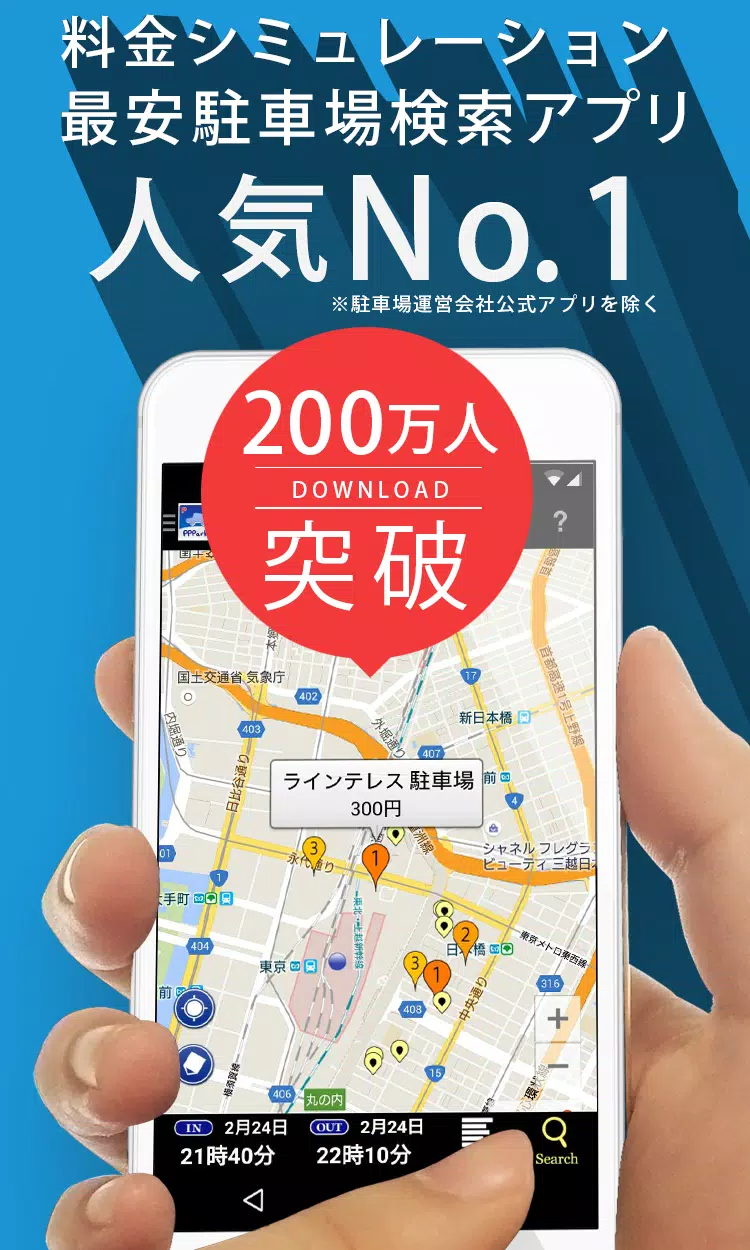
A smart parking solution that locates affordable metered parking near your destination.
Key Features:
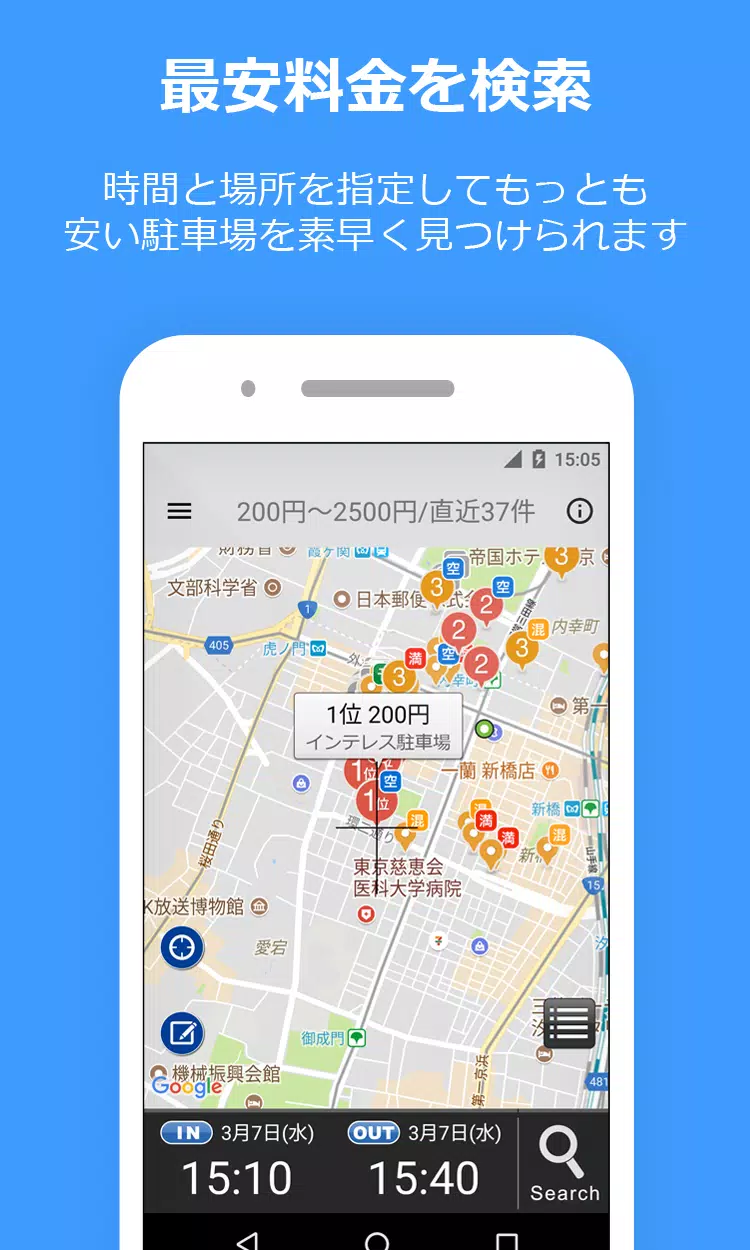
- Smart Price Calculation: Automatically compares parking rates for your specified time period
- Maximum Charge Support: Includes discounted rates and daily maximums
- Navigation Integration: Works with Google Maps, Yahoo! Navi, and NaviCon
- Comprehensive Parking Options:
- Reservation parking (Akippa, TokuP)
- TOHOGAS parking (Okazaki city only)
- Street parking (Tokyo, Kanagawa, Osaka)
- Crowdsourced Updates: Users can post unregistered or updated parking information
How to Use:
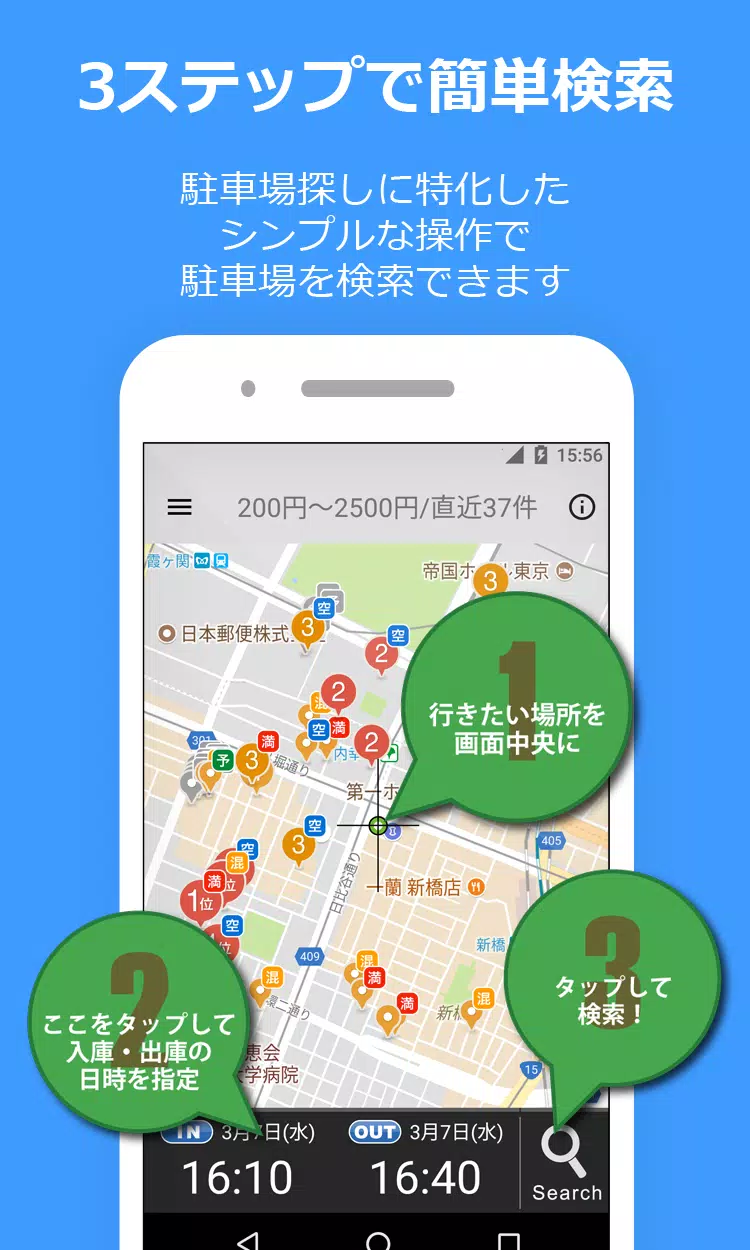
- Set your destination on the map
- Enter parking start/end times
- Tap the search icon
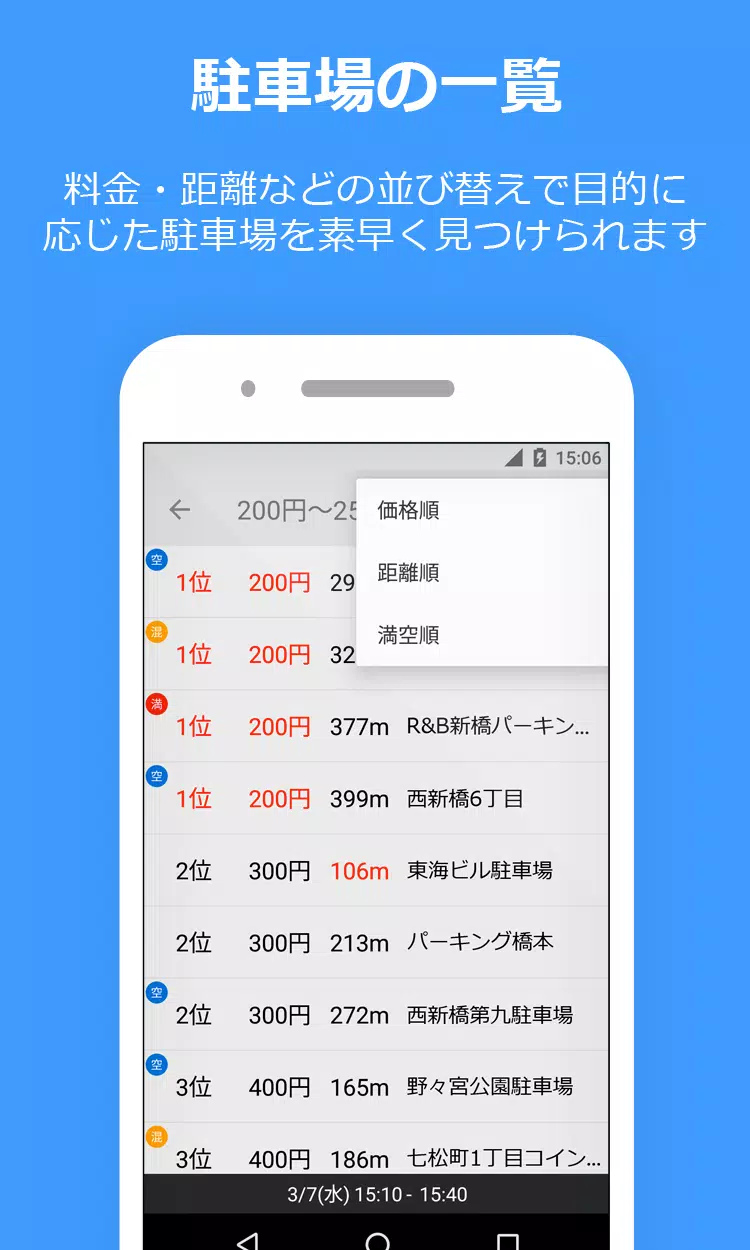
- View results sorted by price/distance
Note: Street parking sections appear as light green markers. Always verify local parking regulations.
Important Notes:
- Parking information may differ from actual conditions
- Android 10+ devices cannot transfer posting history between devices
- Location permissions required for accurate results
Support & Feedback
Report issues via:
- Twitter: @PPPark1
- Email: [email protected]
For troubleshooting, please include your device model and OS version.
Additional Resources:
- Website: https://pppark.com
- Twitter: https://twitter.com/PPPark1