Welcome to laxz.net ! Games Apps News Topics Ranking
Home > Apps > Tools > control screen rotation
control screen rotation

control screen rotation

  • CategoryTools
  • Version4.1
  • Size2.9 MB
  • Developerah_apps
  • UpdateJan 16,2025
Rate:4.9
Download
  • Application Description

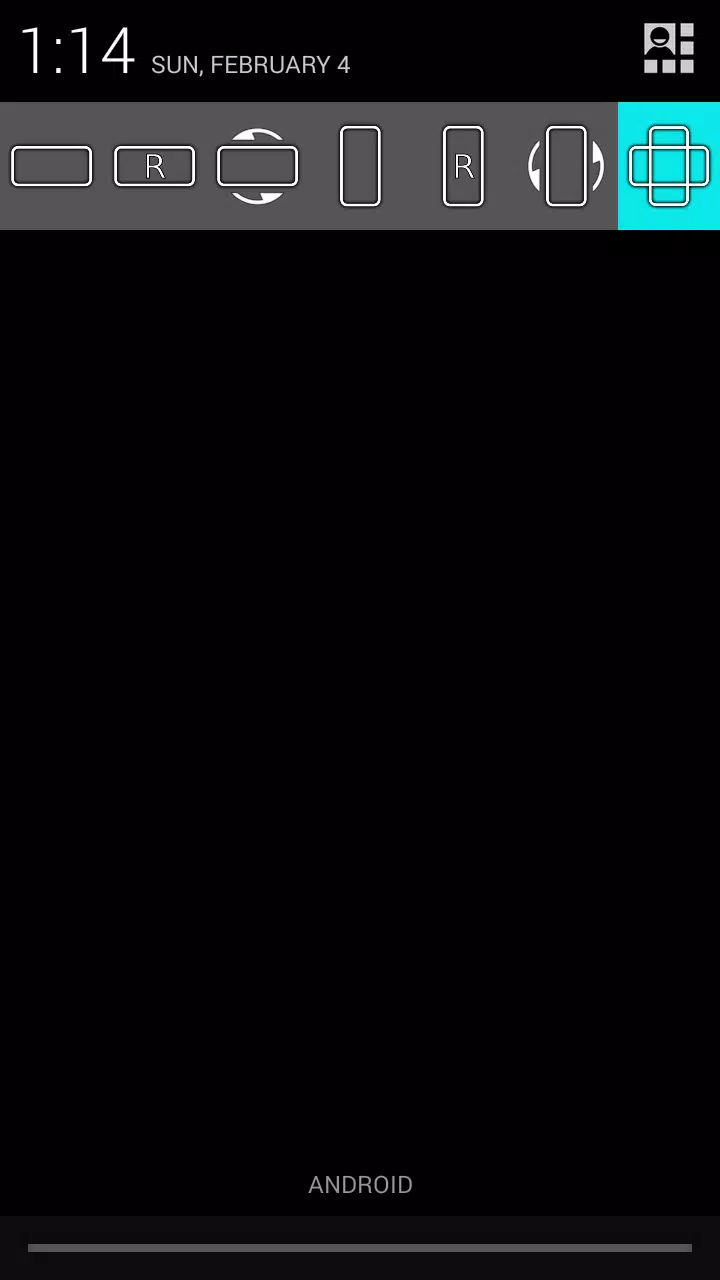
Effortlessly manage screen rotation directly from your device's notification panel.

This app offers simple control over screen orientation, letting you disable auto-rotation and select your preferred view for any application.

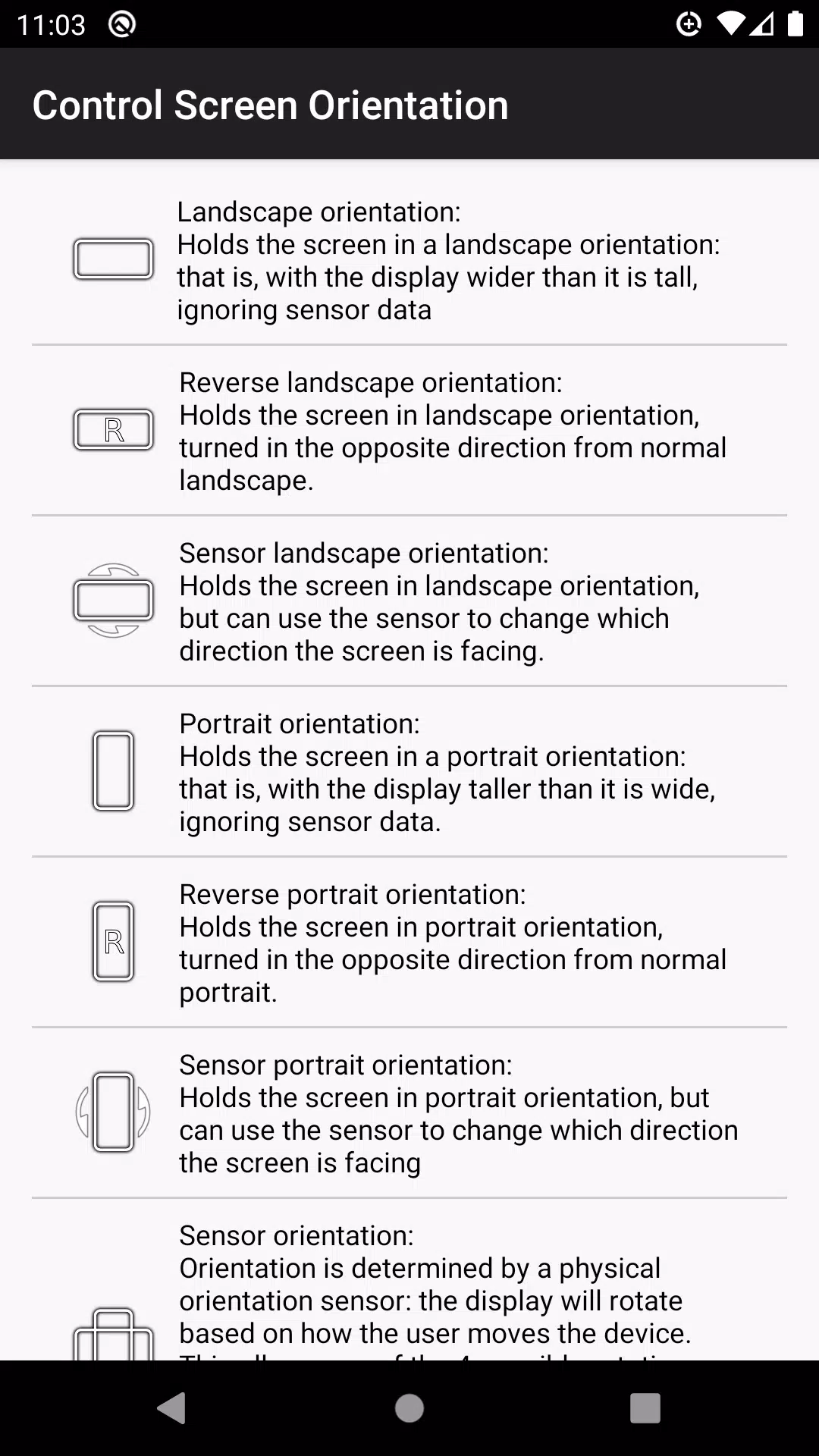
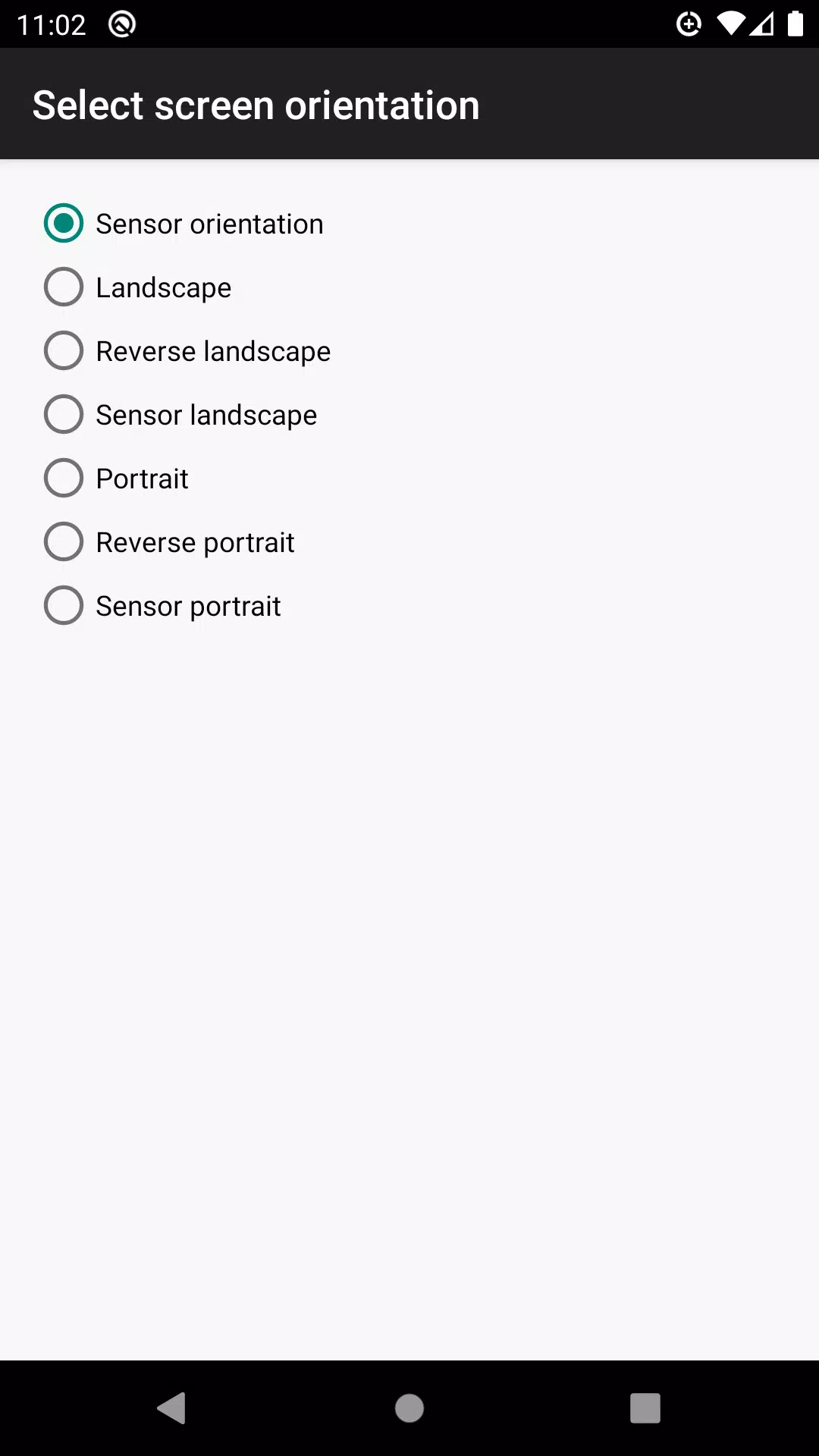
Supported orientations include:

  • Landscape
  • Reverse landscape
  • Sensor landscape
  • Portrait
  • Reverse portrait
  • Sensor portrait
  • Sensor orientation (auto-rotation)

Important Note: Not all orientations are supported on all devices.

Version 4.1 Update (Apr 30, 2024)

Bug fixes implemented.
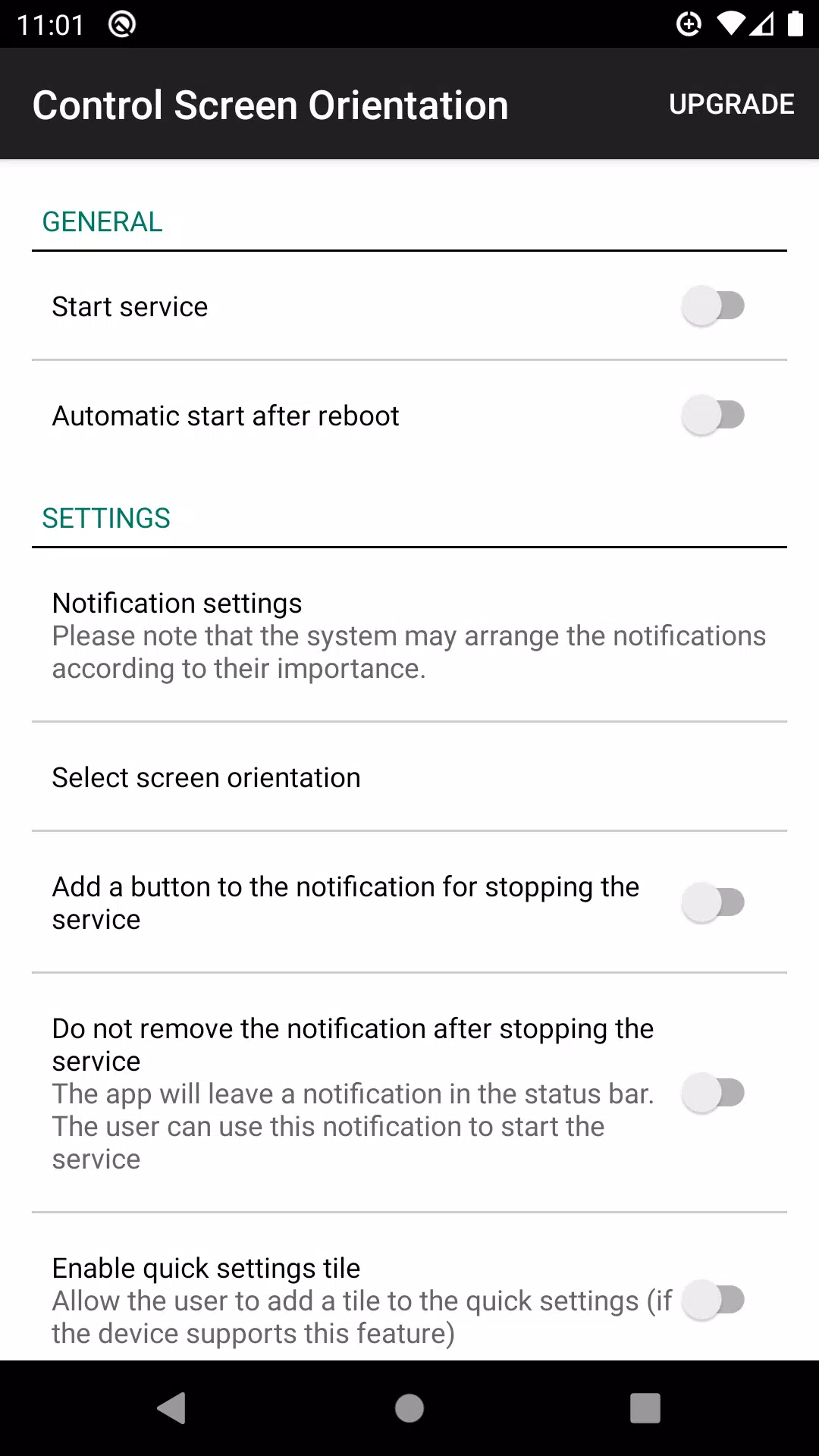
control screen rotation Screenshot 0
control screen rotation Screenshot 1
control screen rotation Screenshot 2
control screen rotation Screenshot 3
Reviews
Post Comments
回転が苦手な人 Feb 17,2025

通知パネルから画面の向きを簡単に変更できて便利です。ただし、一部のアプリでは意図した向きにならないことがあります。全体的にはまあまあ使いやすいです。

화면고정러버 Mar 11,2025

알림창에서 화면 회전 조절이 가능하다는 건 좋은데, 가끔 앱을 전환할 때 오작동이 생겨요. 불편해서 별 두 개입니다.

GiroFixador Feb 20,2025

É muito útil poder controlar a rotação da tela direto do painel de notificações. Funciona bem na maioria dos apps, só dá um pequeno bug em alguns. Recomendo!

Apps like control screen rotation
Latest Articles
  • GTA 6 Redefines Gaming Realism
    A former Rockstar Games designer has shared insights about GTA 6 and predicts fan reactions to the highly anticipated installment in the Grand Theft Auto franchise, scheduled for release next year.GTA 6 Ex-Developer Confirms Rockstar Games Will Amaze
    Author : Olivia Jan 12,2026
  • Fanatical Sells $8.99 Mass Effect Art & Comics Bundle
    Mass Effect stands as one of the most cherished RPG franchises ever created, captivating players with its memorable characters, immersive worlds, and hidden lore. For devoted fans eager to expand their experience, Fanatical has just launched a new bu
    Author : Aaron Jan 12,2026