 Download
Tiled Map Editor for 2D Games
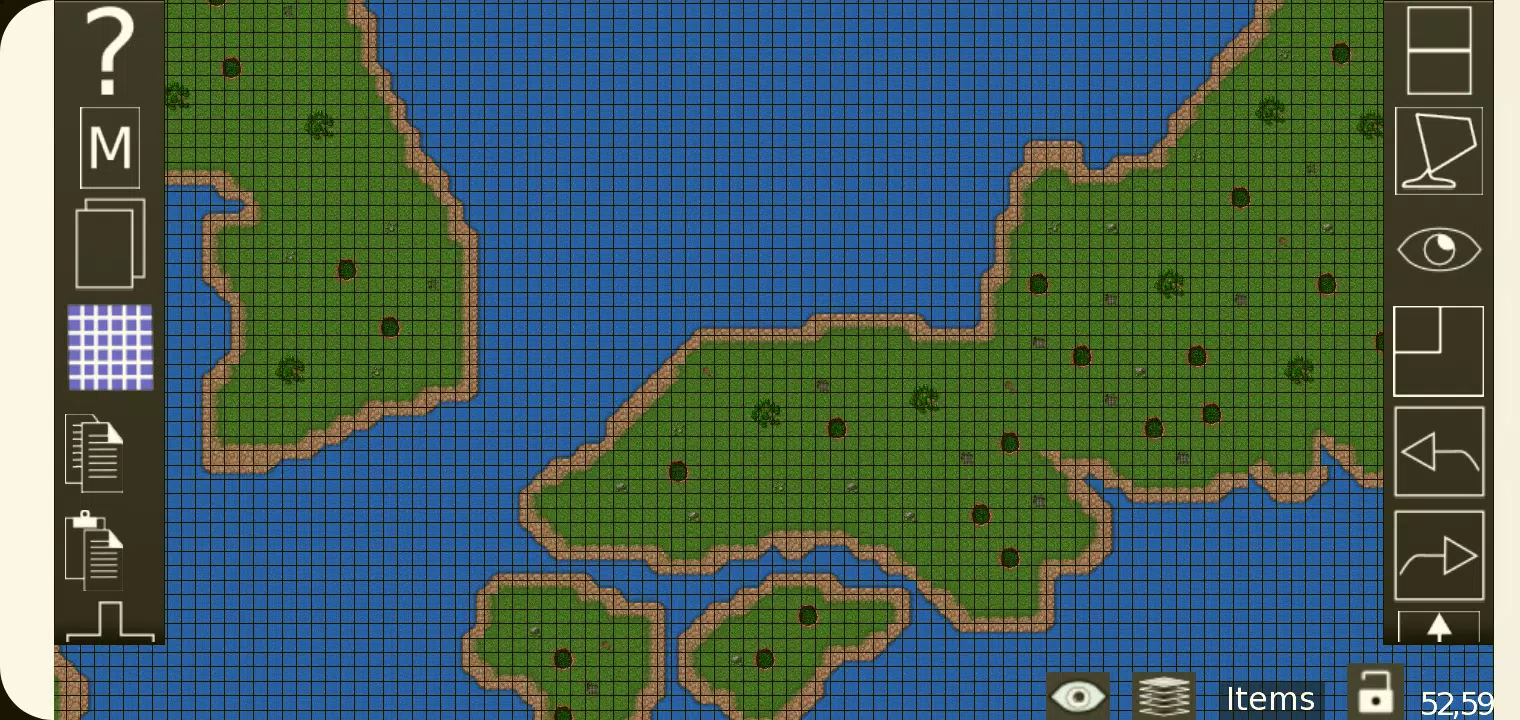
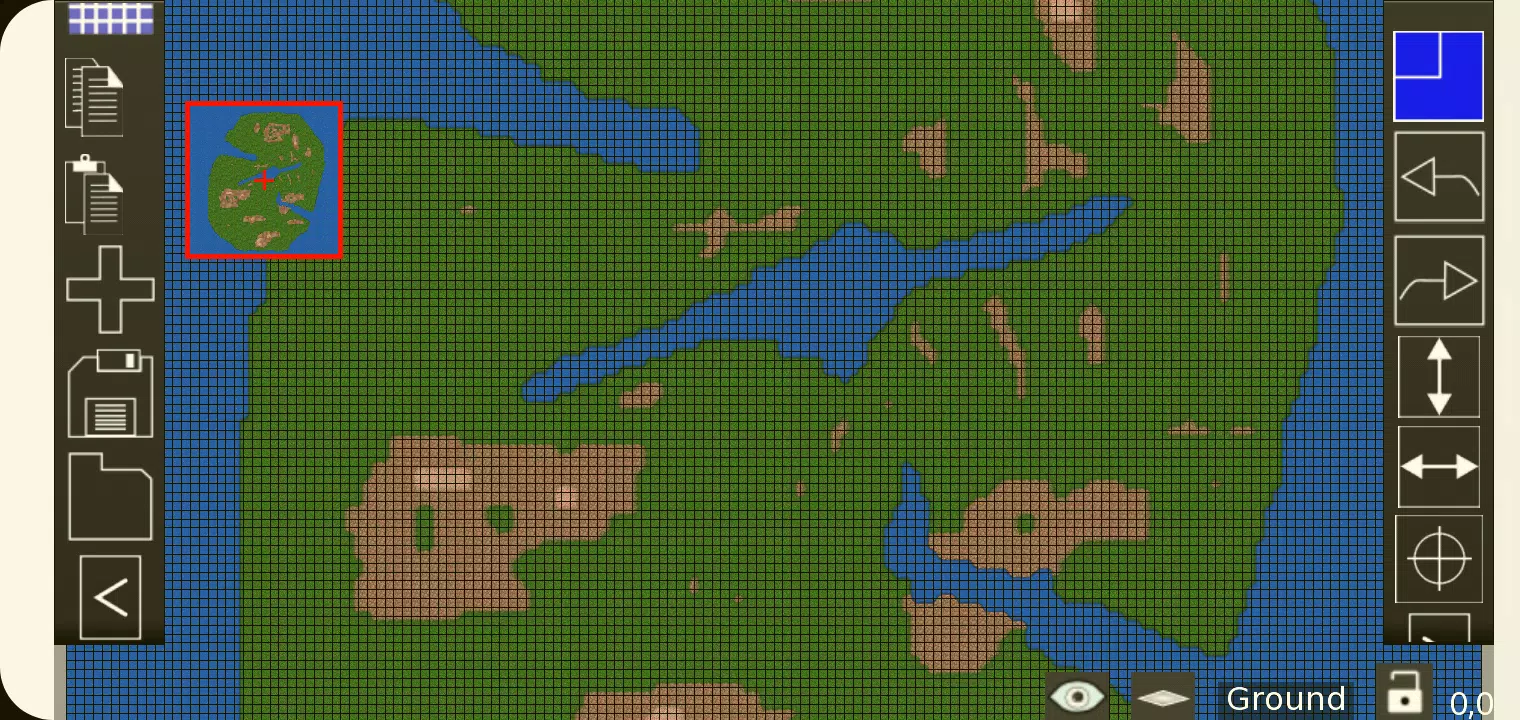
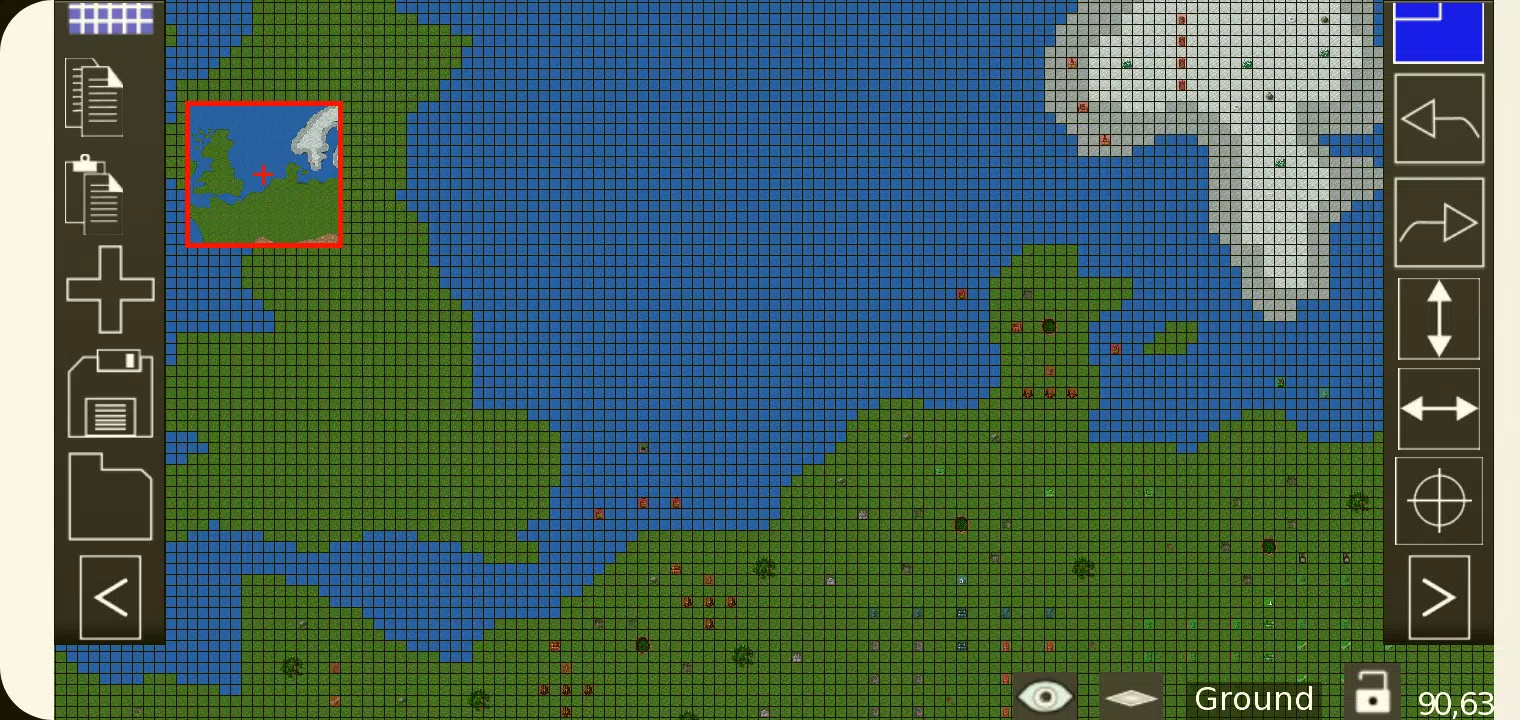
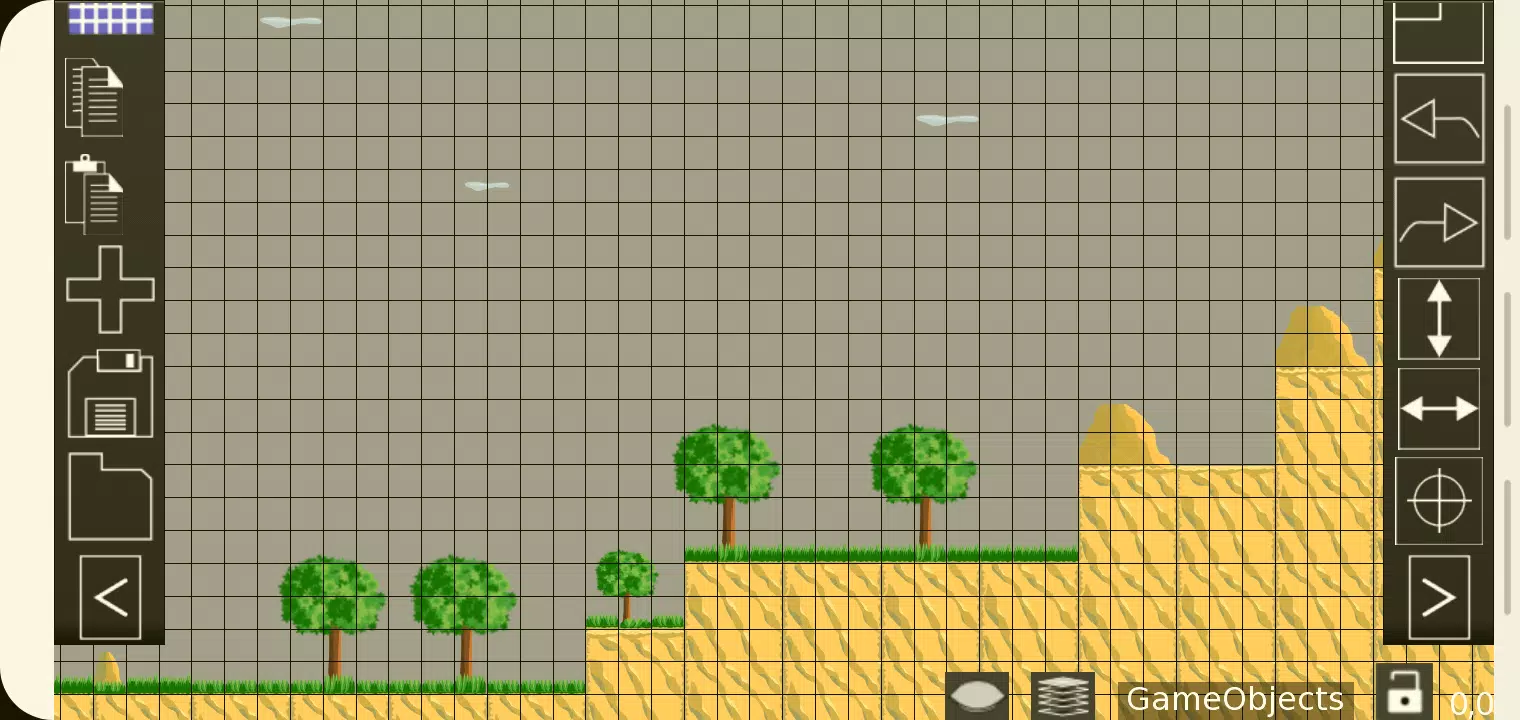
TMEditor serves as a free, versatile tool for effortlessly creating map layouts. It supports advanced configurations, allowing you to define abstract elements such as collision zones, enemy spawn points, and power-up locations. All this data is saved in a convenient, standardized .tmx format.
How Does TMEditor Work?
At its core, the design process for creating maps with TMEditor follows these steps:
- Choose your map size and base tile size.
- Add tilesets from images.
- Place the tilesets on the map.
- Add any additional objects to represent abstract elements.
- Save the map as a .tmx file.
- Import the .tmx file and interpret it for your game.
Features
- Orthogonal and Isometric orientation support.
- Multiple tileset support.
- Multiple object layers.
- Multi-layer editing: Provides eight layers so you can pack extra detail into your maps.
- Custom properties for maps, layers, and objects.
- Editing tools: Stamp, Rectangle, Copy, and Paste.
- Tile flip functionality.
- Undo and redo (currently available only for tile and object mapping).
- Supported objects: Rectangle, ellipse, point, polygon, polyline, text, and image.
- Object placement on isometric maps.
- Background image support.
- Export options: XML, CSV, Base64, Base64-Gzip, Base64-Zlib, PNG, and Replica Island (level.bin).
What's New in the Latest Version 1.0.27
Last updated on Oct 4, 2024
Bug fixes.