 Download
Manage and control your KEBA wallbox easily using the KEBA eMobility App.
The KEBA eMobility App provides a digital service for KeContact P30 and P40 users—including P40, P30 x-series, company car wallbox, PV EDITION, and P30 c-series models. With the App, you can communicate with, manage, and configure your charging station, giving you full control over your wallbox.
What you can do with the KEBA eMobility App:
- Stay connected to your wallbox with remote access from anywhere (local network communication remains for KeContact P30 c-series models).
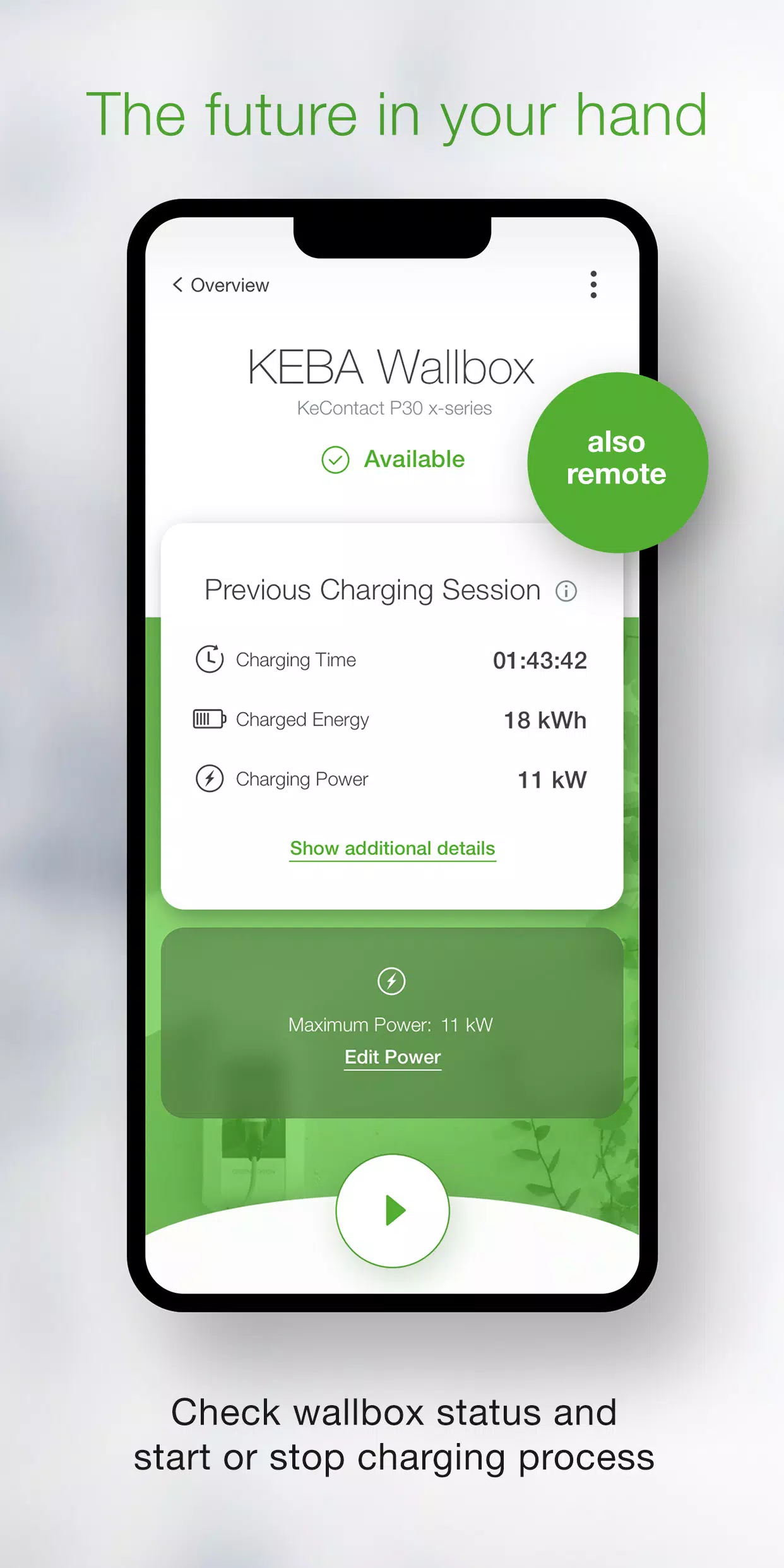
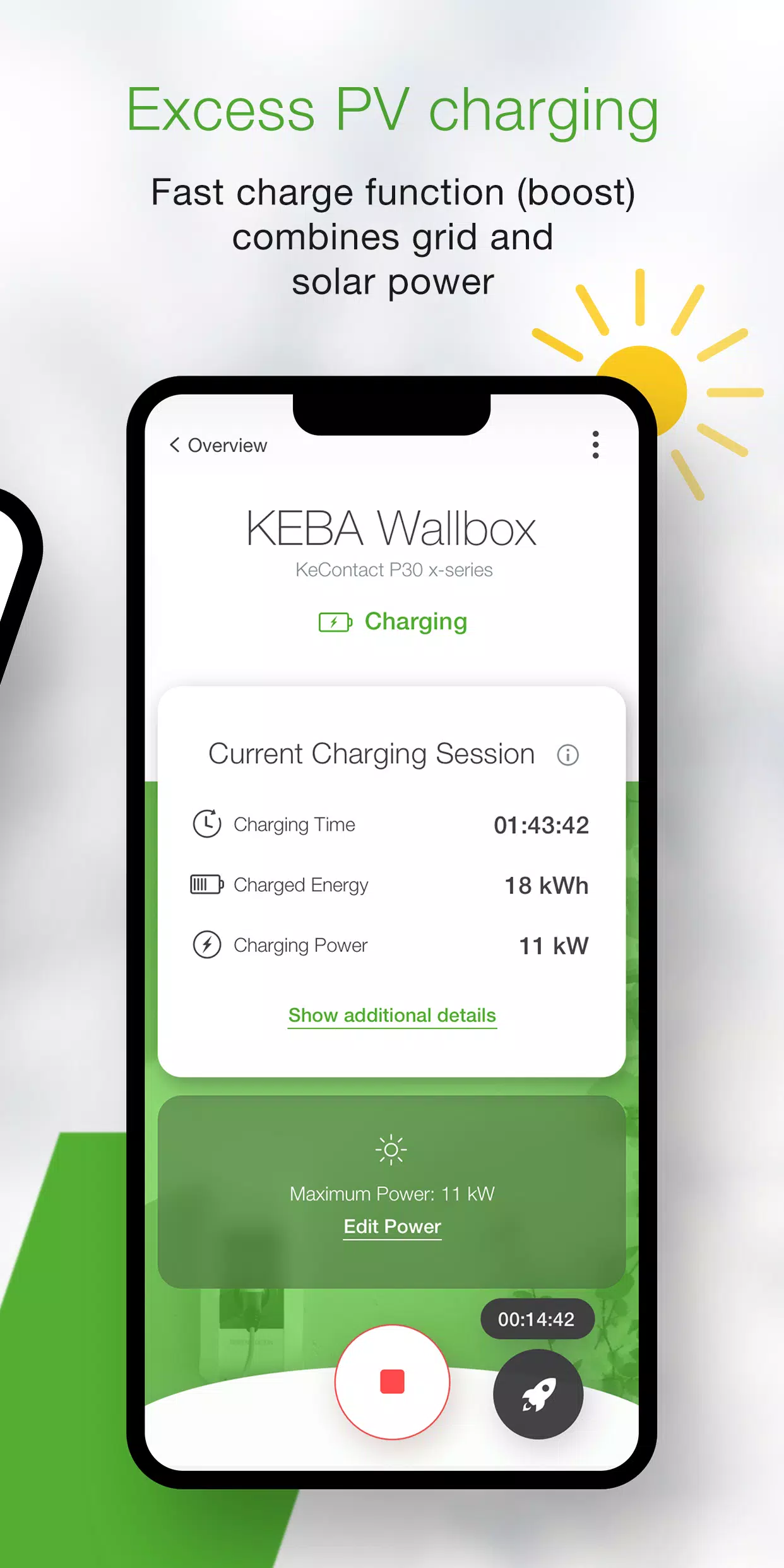
- Check your wallbox status: see whether it’s charging, ready, offline, or showing an error.
- Control charging processes on the fly by starting and stopping with a single tap.
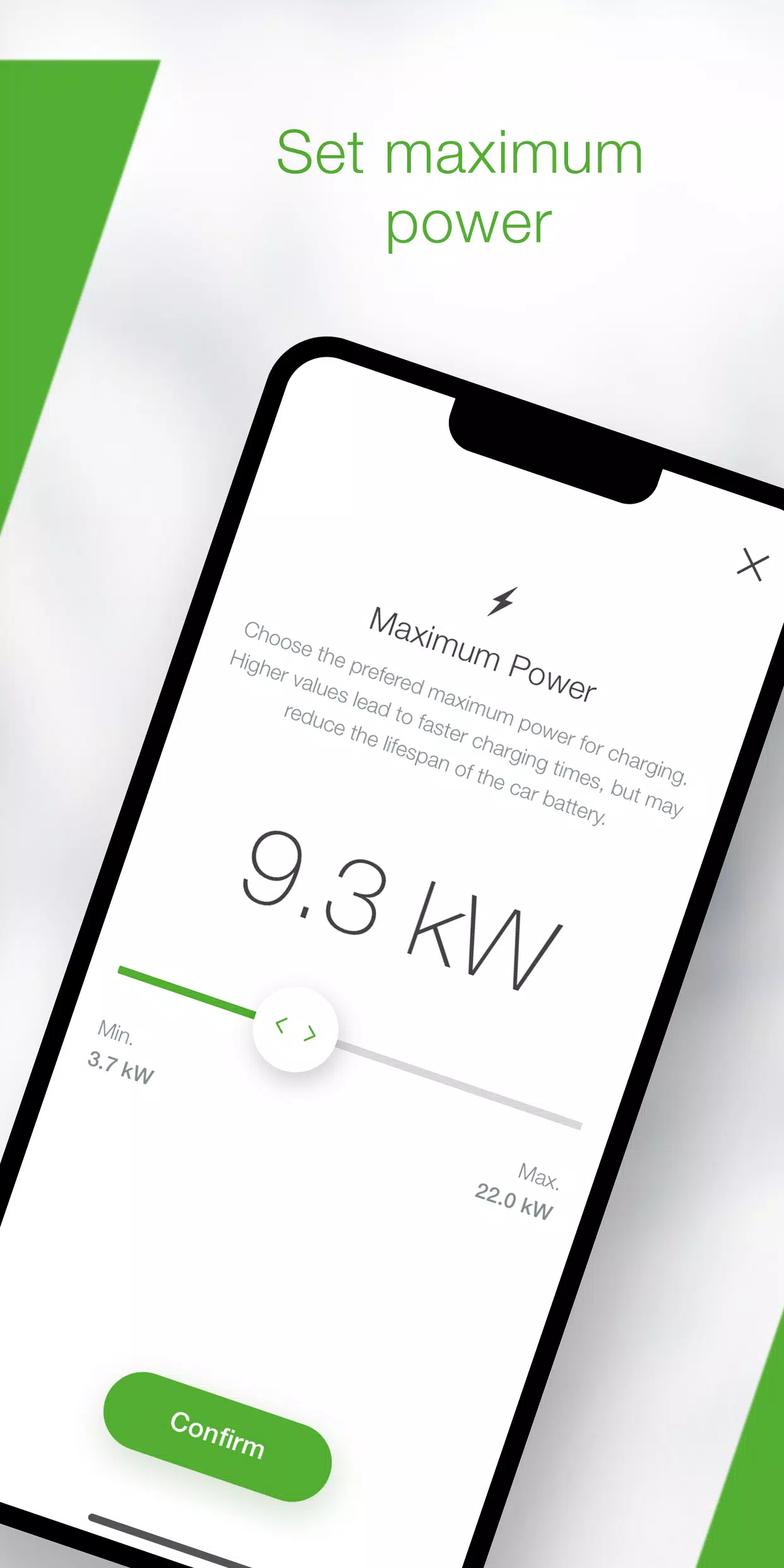
- Set the maximum charging power to manage your vehicle’s power use and charging time.
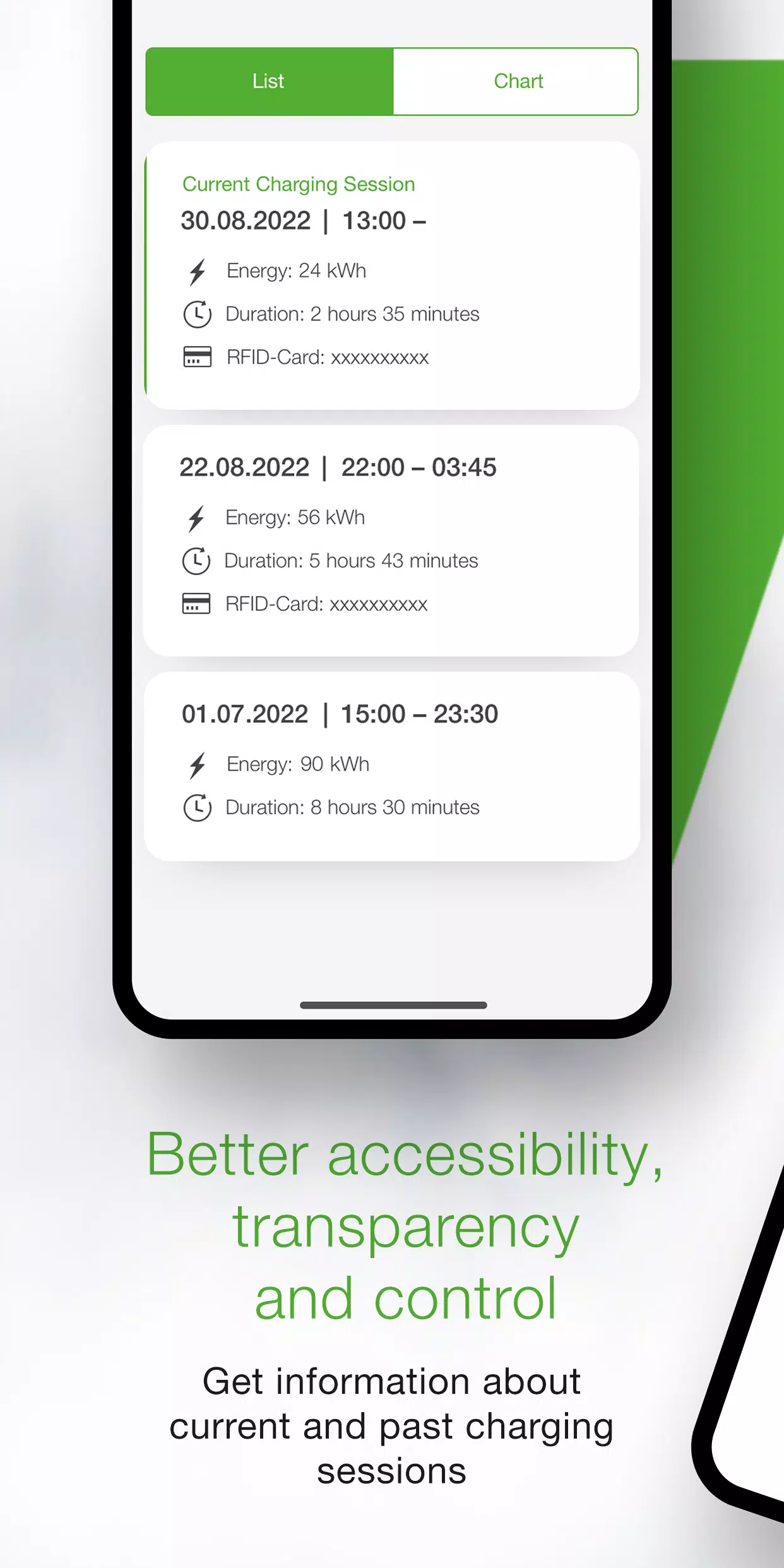
- View all real-time data—such as time, energy, power, and amperage—for ongoing charging sessions, and review past sessions in your history.
- Access detailed energy consumption statistics right from the App.
- Use the built-in setup guide to verify App compatibility and walk through first-time connection and setup.
- Rely on the installer mode for guided step-by-step configuration during initial P40 Wallbox setup.
- Automatically start and stop charging according to predefined schedules and charging limits with power profiles (set via the KEBA eMobility Portal for P40, P30 x-series, company car wallboxes, and PV EDITION).
- Enable automatic updates through the App to keep your wallbox software current (not supported for standalone KeContact P30 c-series units).
- As an x-series user, configure settings directly in the App just as you would in the web interface (only available for KeContact P30 x-series).
The following KEBA wallboxes are App compatible:
- KeContact P40, P40 Pro, P30 x-series, company car wallbox, and PV EDITION
- KeContact P30 c-series (works with the App without a firmware update)
Wallboxes operated by Charge Point Operators may not allow App use if you lack the web-interface password or serial number.
When using the KEBA eMobility App with a KeContact P30 c-series, not all functions are available compared to the x-series. A full comparison of features for each series is available at www.keba.com/emobility-app.
Already know the KEBA eMobility Portal? Register through the App or Portal to unlock all benefits and extra features on the browser-based KEBA eMobility Portal: emobility-portal.keba.com
Important notes for electrical installers:
- DIP switch settings on the P30 wallbox must still be adjusted manually.
- Configuration settings from the P30 web interface are also available in the App.
- For KeContact P30 c-series, adjust DIP switches to enable full UDP communication (this is covered in the setup guide).
- Configure basic KeContact P40 settings through the KEBA eMobility App or directly on the device.
What's New in Version 3.10.0
Last updated on Nov 12, 2024
P40: Wallbox software version 1.1.0 is now available
P40: Perform a factory reset directly from the app
P40: Fixed white screen issues in offline mode
P40: Corrected OCPP communication channel settings in the menu
P40: Resolved authentication errors caused by incorrect passwords
P40: Fixed Bluetooth connection issues for previously paired wallboxes
Improved usability and stability during wallbox enrollment