
How To Check Call Of Duty: Warzone Server Status
Quick Links
- How To Check If Call of Duty: Warzone Is Down
- Is Call of Duty: Warzone Currently Experiencing Server Issues?
- Troubleshooting Call of Duty: Warzone Connectivity Problems
Call of Duty: Warzone boasts a massive player base and a wealth of content, including Battle Royale and Resurgence modes, and the challenging Mastery Camo system. However, server connectivity problems can quickly dampen the fun.
Like any online multiplayer game, especially those with large simultaneous player counts, server issues are frustrating. Warzone is not immune. This guide helps you diagnose and address potential disruptions.
Updated January 14, 2025, by Max Candelarezi: Server problems frequently arise after updates in Call of Duty: Warzone, leading to disruptions, crashes, and matchmaking difficulties. Knowing the current server status and determining if the problem originates from the servers or your own system is vital. This article has been updated with a dedicated section on server status (Is Warzone Currently Experiencing Server Issues?), prompted by a recent minor issue affecting matchmaking, causing either complete inaccessibility to game modes or significantly increased wait times.
How To Check If Call of Duty: Warzone Is Down
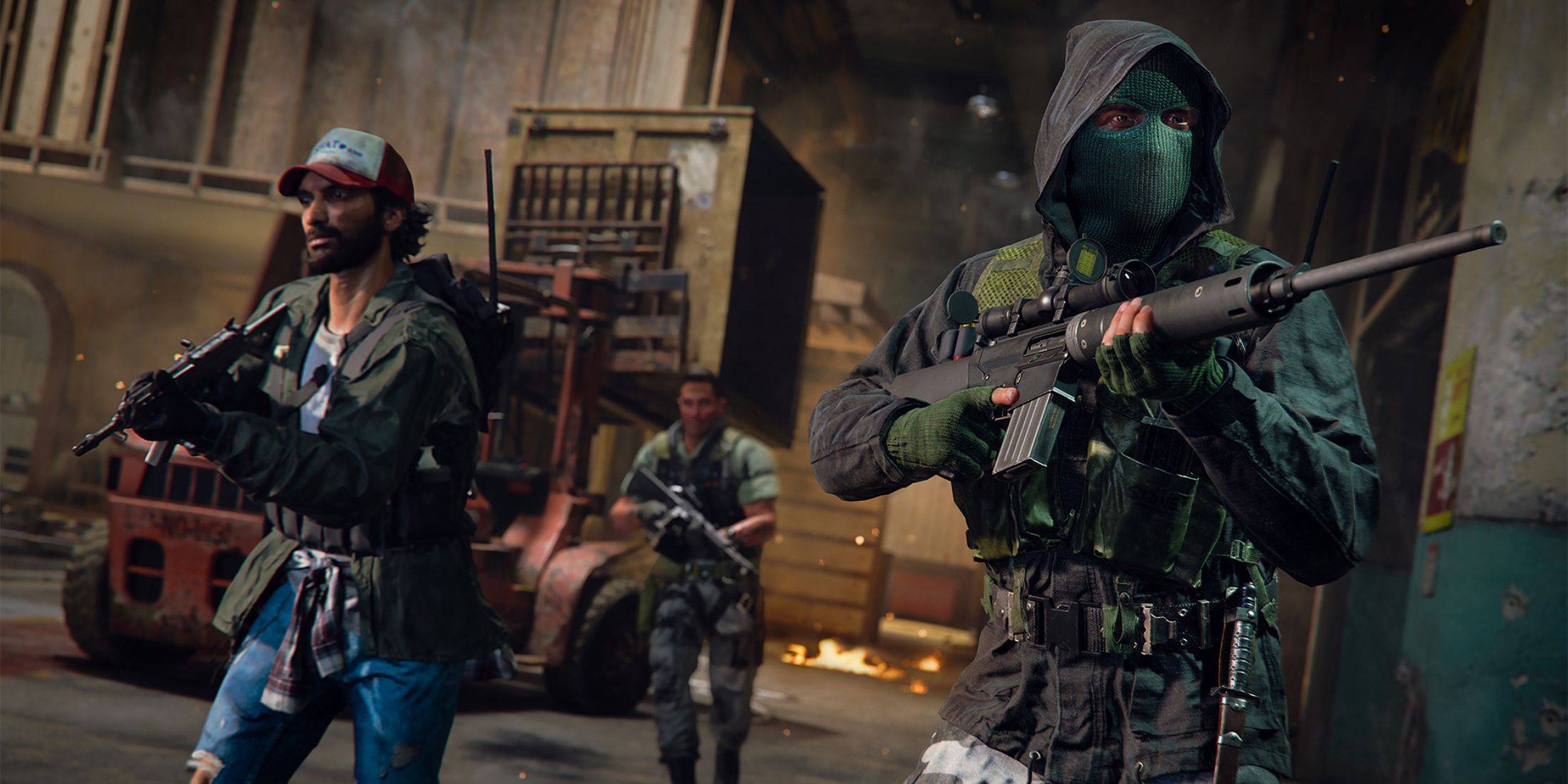 Several reliable methods can help you determine if Warzone servers are experiencing problems and find solutions.
Check Activision's Support Online Services Status Page
The easiest way to check server status is via Activision's Support Online website. This site provides real-time updates on server status for all Call of Duty games, including Warzone. Any issues, maintenance schedules, or specific problems are clearly displayed.
Monitor the Official Call of Duty Updates Account
The Call of Duty Updates Twitter/X account serves as a direct communication channel with the community. It provides timely updates on issues, errors, updates, and scheduled maintenance for Warzone and other CoD titles. Server outages or maintenance are announced here with detailed information.
Is Call of Duty: Warzone Currently Experiencing Server Issues?
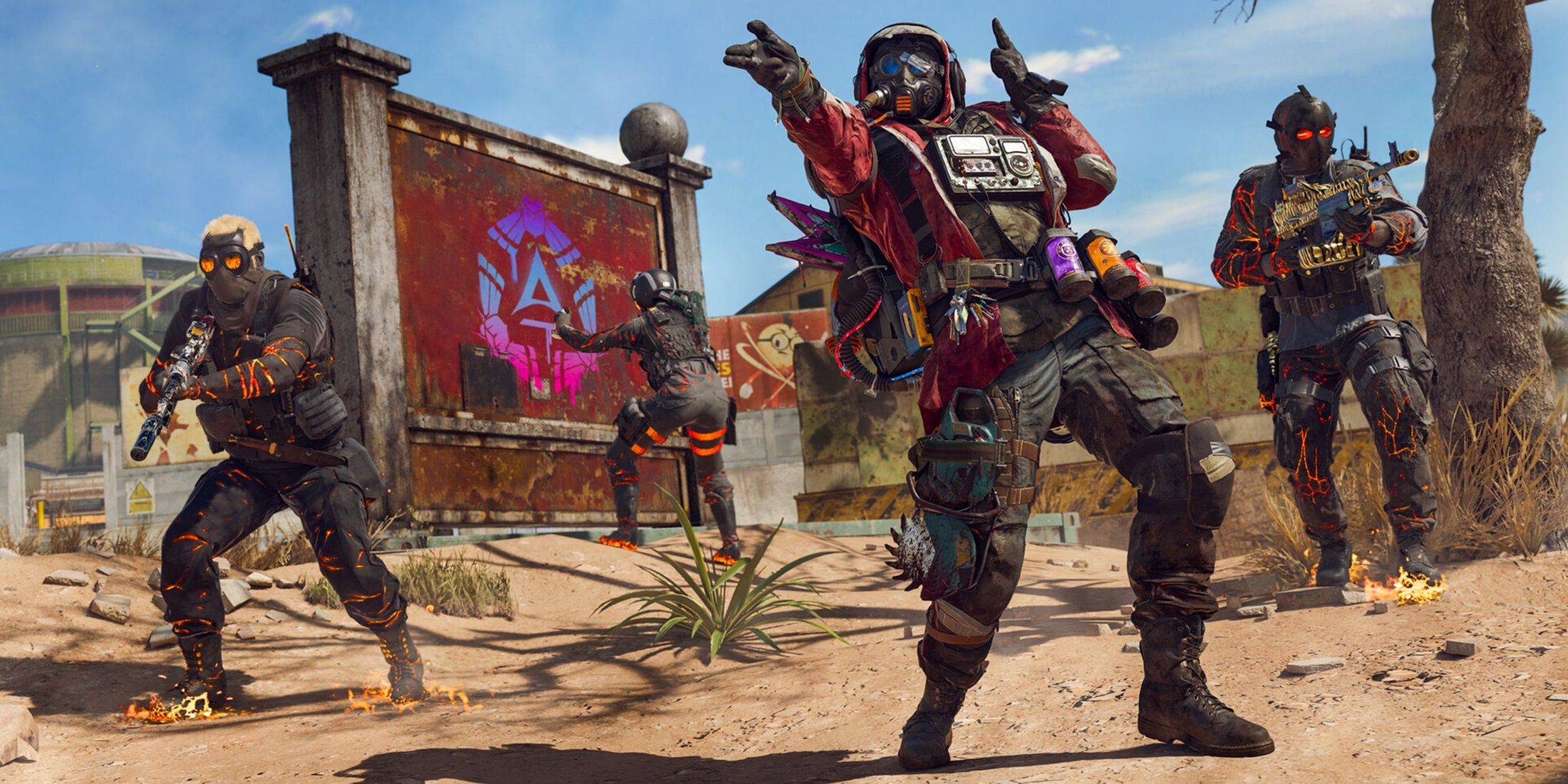 As of January 13, 2025, Call of Duty: Warzone servers are operational. A minor post-patch issue on the same day disrupted matchmaking, preventing access to matches. However, developers swiftly resolved this, acknowledging the problem (prolonged matchmaking times or inability to access the game) via Twitter and implementing a fix within hours. The issue is resolved, and additional fixes for other in-game problems have been deployed. Players can now access matches without interruption.
How To Fix Connectivity Issues In Call of Duty: Warzone
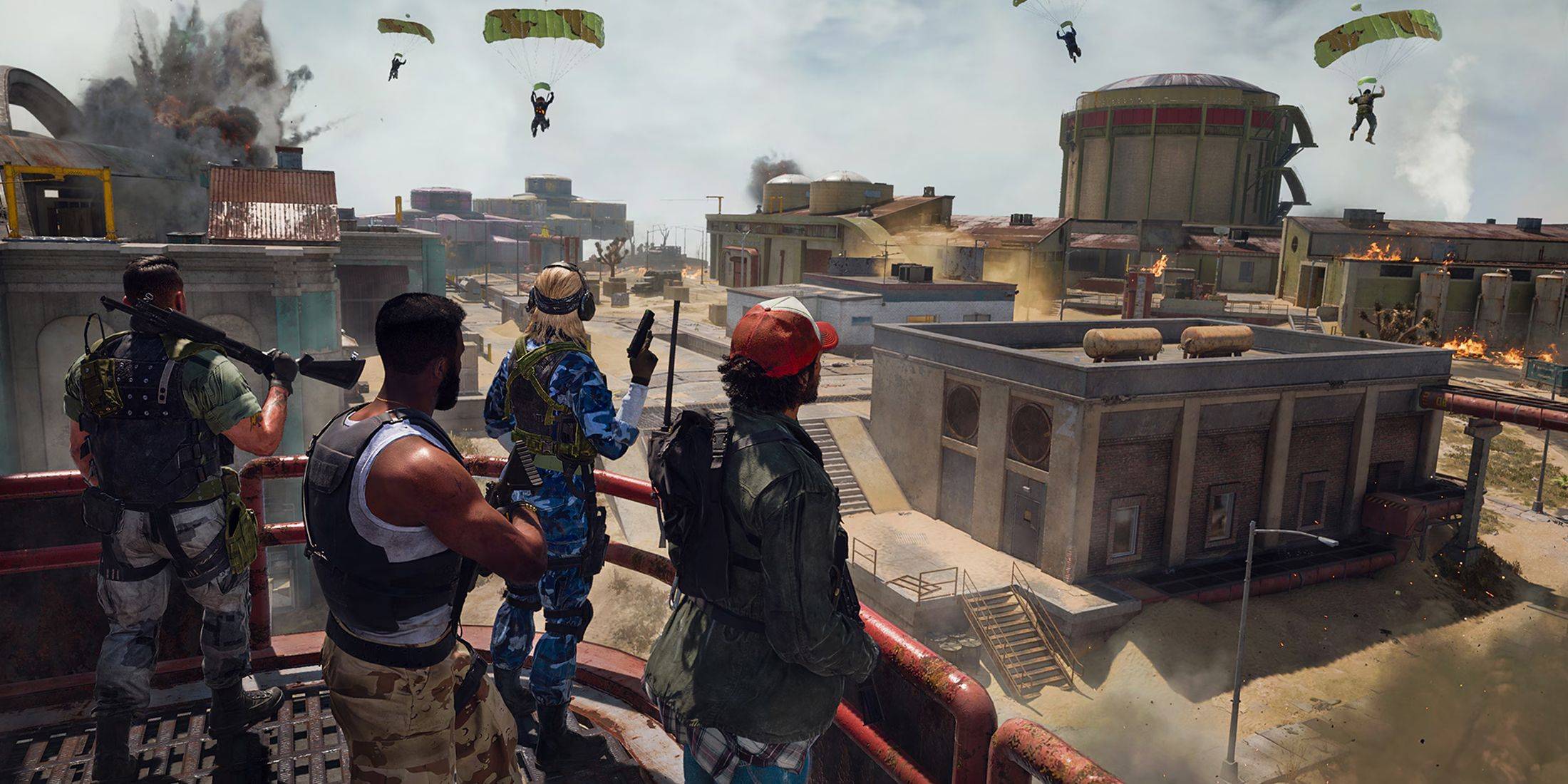 If you encounter connectivity problems in Call of Duty: Warzone, try these troubleshooting steps:
- Check for Updates: An outdated game version can cause connection or access problems. Update your game through your platform's app store.
- Restart Warzone: Close and relaunch the game to resolve minor issues, particularly after updates or playlist changes.
- Check Your Router Connection: Ensure your router or modem is functioning correctly. A hard reset can fix minor connectivity problems.
- Test Your Network Connection: Test your internet connection (Wi-Fi or Ethernet) to identify interruptions.
- Swap Connection Methods: If using Wi-Fi, try Ethernet; if using Ethernet, try Wi-Fi. One might be more stable than the other.
-
 Pokémon TCG Pocket marks its first anniversary by relaunching its interactive pop-up experience. The Pokémon Company International will host the event at London's Outernet from November 8–9, 2025.Following a highly successful debut last year, the celAuthor : Zoey Dec 18,2025
 -
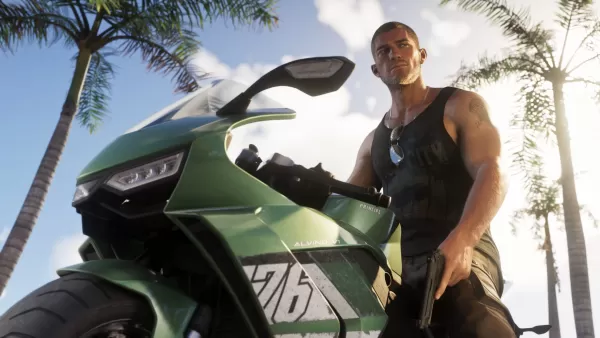 Rockstar has finally released the second Grand Theft Auto 6 trailer, and fans are immediately asking: what's the song in the latest GTA 6 trailer?While the two-and-a-half-minute video highlights the action and romance of Vice City, it also reminds viAuthor : Andrew Dec 17,2025















- Spring Valley Farm Game: January 2025 Redeem Codes
- WWE Superstars Join Call of Duty Warzone: Mobile Roster
- Midnight Girl is a minimalist point-and-click adventure set in Paris in the 60s, now open for pre-orders on mobile
- Mobile Legends: Bang Bang – Best Lukas Build
- "Grand Outlaws Unleashes Chaos and Crime on Android Soft Launch"
- Ultimate Guide to Dead Rails Challenges [Alpha]