Auto-Petter Acquisition Guide for Fields of Mistria
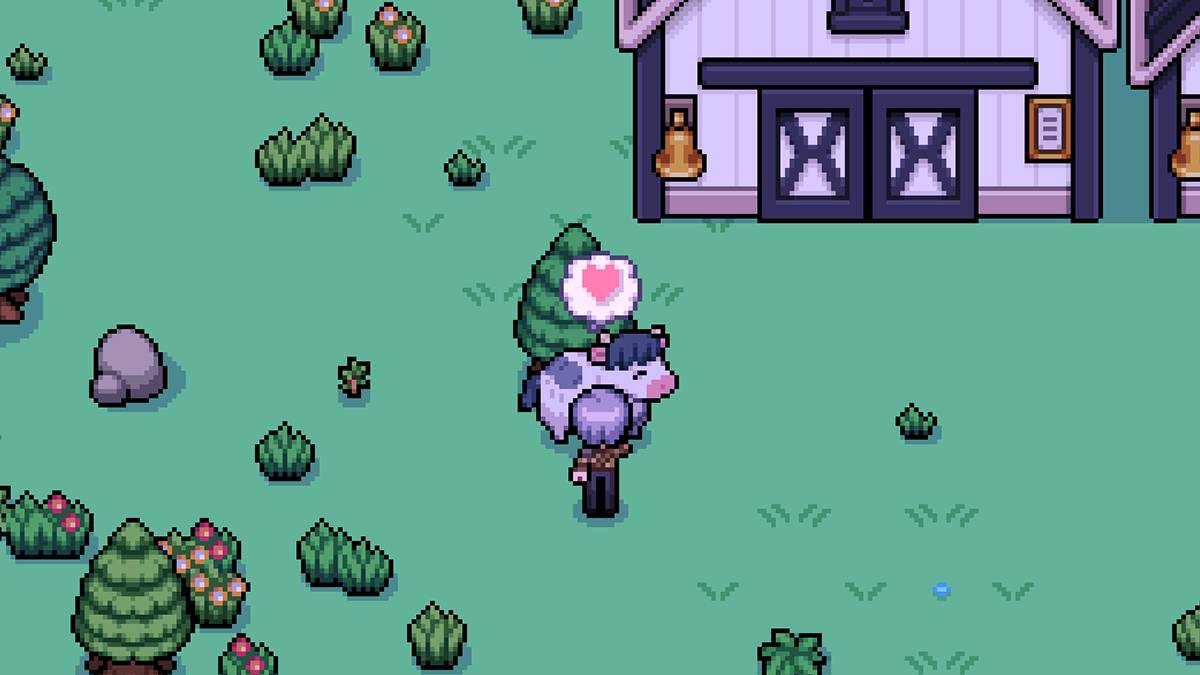
Having livestock is a great way to generate income in Fields of Mistria, but the daily routine of petting each animal can become tedious over time. Fortunately, there's a way to automate this process and make farm life a little smoother—by using an auto-petter.
Fields of Mistria Auto-Petter Guide
As it stands, Fields of Mistria does not include an official auto-petting feature in the base game. This means that players who stick to the vanilla version will need to manually pet their animals every day to maintain their happiness and productivity. However, for those open to modding, there's a convenient solution available.
We recommend the Animal Friends mod by annanomoly on Nexus Mods. This popular mod adds a variety of quality-of-life features, including both auto-petting and auto-feeding for your livestock. To use this mod, you’ll also need to install the Mods of Mistria Installer, which serves as the essential framework for running mods in the game. Without it, the mod won’t function properly.
Installation Instructions:
- Create a new folder named
Modswithin your Fields of Mistria game directory. - Download the
AnimalFriends.zipfile from the mod’s Nexus Mods page. - Place the zip file into the
Modsfolder and extract its contents. - Optionally, delete or move the original zip file after extraction.
- Launch the Mods of Mistria Installer and follow the prompts to install the Animal Friends mod.
Once installed, the mod offers several customizable features:
- Auto-Petter: Automatically pets your animals daily.
- Auto-Feeder: Feeds your animals without manual input.
- Friendship Multiplier: Increases the amount of affection gained per interaction (configurable between 1x and 100x).
- Prevent Friendship Loss: Ensures that your animals don’t lose affection over time.
To adjust these settings, locate the AnimalFriends.json file inside the unzipped mod folder. Open it with any text editor. You can toggle features on or off by changing "true" or "false" values accordingly.
For example, to enable the auto-feeder, find the line:
"auto-feed": falseand change it to:
"auto-feed": trueThe friendship multiplier works differently—you'll enter a numerical value instead of using true/false. Setting it to 100 gives maximum affection gain per pet, while setting it back to 1 disables the multiplier.
By default, the mod boosts petting affection by 5x and prevents friendship loss, but auto-petting and feeding are disabled until you activate them manually.
Uninstalling the Mod
If you ever decide to remove the mod, avoid simply deleting files. Instead, use the Mods of Mistria Installer to uninstall it cleanly. This helps prevent potential issues or save file corruption.
Before installing any mod, always remember to back up your save files. While the Animal Friends mod is generally stable, having a backup ensures peace of mind.
With this mod in place, managing your farm becomes far less repetitive, giving you more time to focus on crafting, exploring, and enjoying the world of [ttpp].
Fields of Mistria is available to play on PC.
-
 In what’s surely the most open secret in recent gaming news, Bethesda has quietly released The Elder Scrolls IV: Oblivion Remastered for Xbox, PS5, and PC. If you’re a PC gamer—or even a Steam Deck owner, since it’s officially verified on Deck—you caAuthor : Emma Apr 28,2026
 -
As Stellar Blade surpasses 3 million global sales, director Hyung-tae Kim confirmed its sequel will feature a "more substantial" narrative—though development priorities initially led to significant story cuts in the first installment.Speaking with ThAuthor : Charlotte Apr 25,2026














![A Father’s Sins – Going to Hell [Ch. 7 Public] By Pixieblink](https://img.laxz.net/uploads/67/1719578270667eae9eb6a75.jpg)