 Download
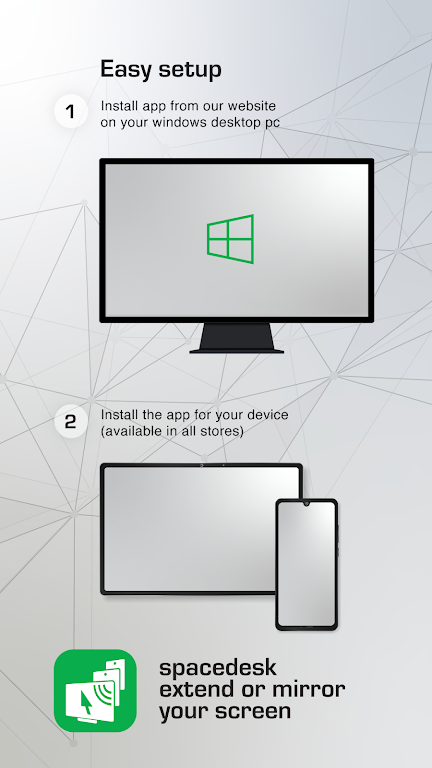
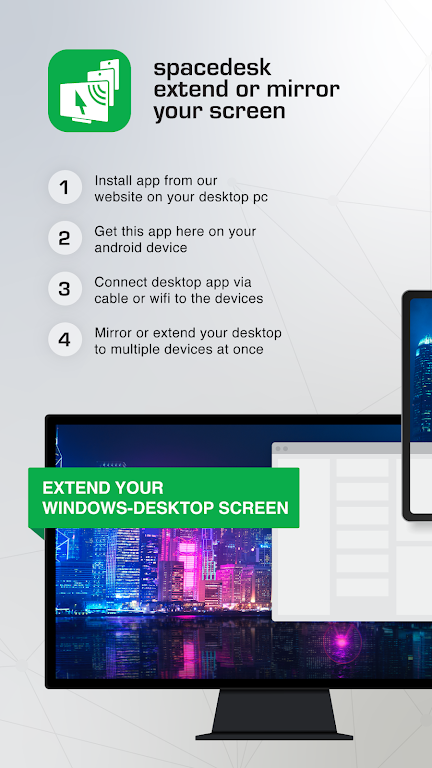
Transform your smartphone into a powerful secondary display for your computer with Spacedesk! Extend your desktop or utilize your phone as a touchscreen for enhanced multitasking. Ideal for boosting productivity and enriching entertainment, Spacedesk provides extra screen space for any task. Simply download the app, connect wirelessly, and enjoy the convenience of a mobile monitor.
Key Spacedesk Features:
Stream your screen to TVs, tablets, or smartphones. Function as a drawing tablet for digital art creation. Connect wirelessly or via USB. Remote access and control capabilities included. Present your computer desktop seamlessly on mobile devices. Experience blazing-fast performance with zero lag.
Summary:
Spacedesk is a versatile application offering screen mirroring, drawing tablet functionality, remote control, and exceptional speed. Compatible with Android and Windows, it's a game-changer for boosting efficiency and usability. Download Spacedesk now and unlock its potential!
Recent Updates:
Various bug fixes implemented.